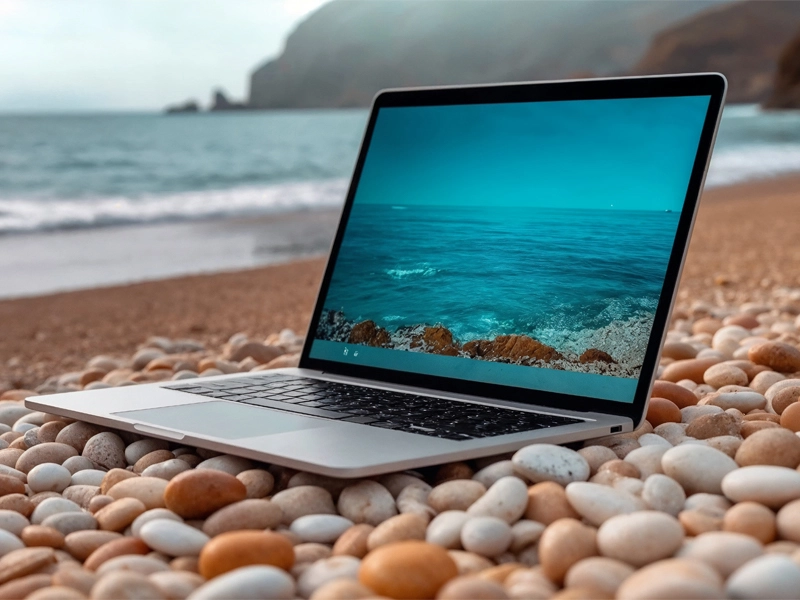
Why the Honor magic book 16 Is a Great Choice for Work and Study
The laptop you choose for work and school can affect how productive you are. The Honor MagicBook 16 stands out as a solid option. It has a big screen, good performance, and a long battery life. It also costs less than many competitors. If you need a machine that runs spreadsheets, presentations, research tools, and creative apps, this laptop delivers without fuss. The Honor magic book 16 has a high-end feel.
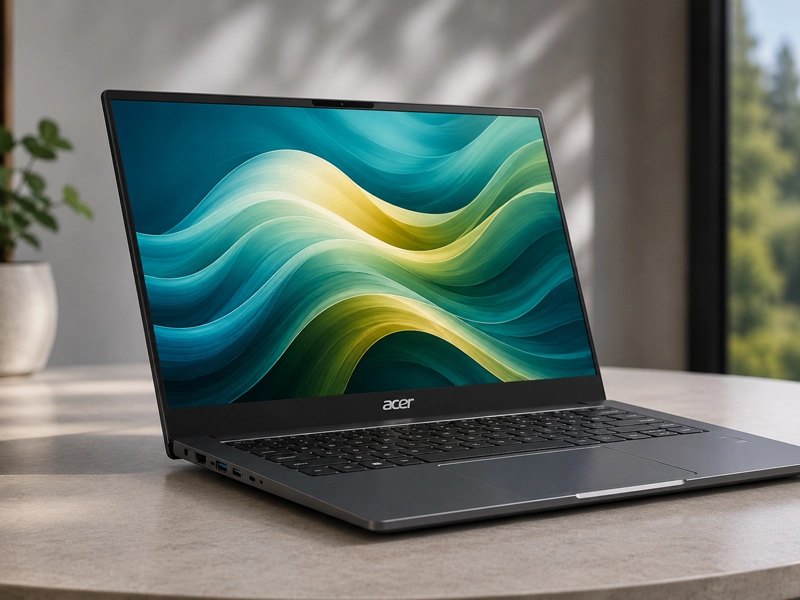
The metal casing looks sharp and stays cool. The keyboard is comfortable and responsive. The larger display gives you more room to work with documents or multiple windows. In day-to-day use, the laptop feels smooth and capable, making it ideal for students and professionals alike.
This guide explains the MagicBook 16’s features, how it performs work and school-related tasks, how it compares to other laptops of its kind, and important advice on how to get the most out of it.
Essential Features: What Makes the Honor magic book 16 Fit for Daily Tasks
The Honor MagicBook 16 checks many boxes for productivity users. First, the 16-inch screen offers more space than most 14-inch laptops. This extra space helps with spreadsheets, video calls, and side-by-side windows. Additionally, the display has slim bezels, resulting in a screen that feels spacious without overwhelming the chassis.
Performance matters. The HONOR MagicBook 2025 typically comes with an AMD Ryzen processor. For everyday applications, these CPUs provide solid power. You can open many tabs, run video calls, work with documents, and even edit light videos without lag.
The laptop usually has at least 8GB of RAM and a processor. Tasks run smoothly and quickly thanks to this amount of memory. Another advantage is the battery life. The MagicBook 16 lasts a long time on a single charge, despite having a larger screen. Y
ou can finish classes or meetings without hunting for a power outlet. This makes it a practical choice for students moving between classrooms or professionals working on the go.
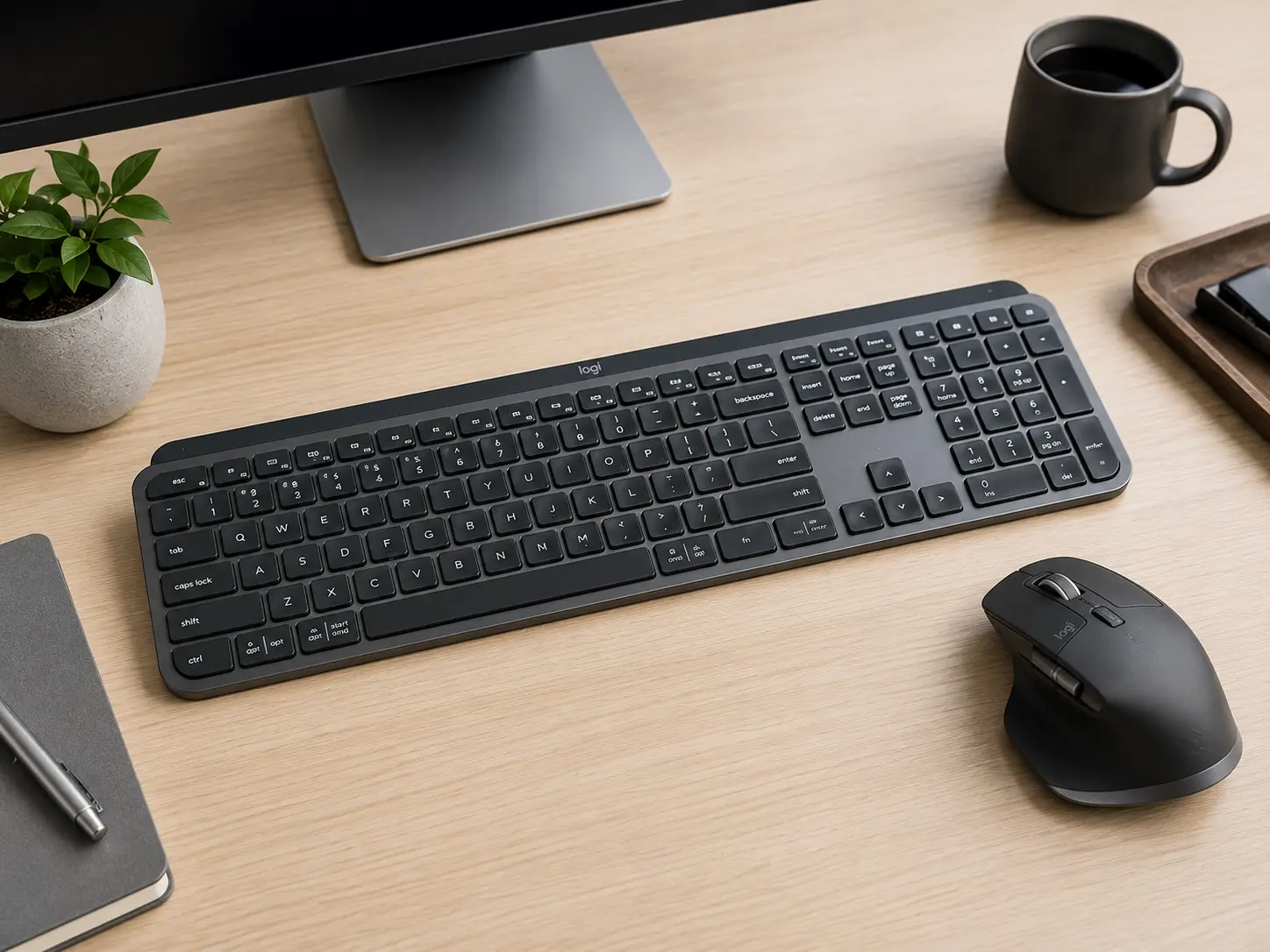
The keyboard and trackpad also help. The keys stay comfortable even during long typing sessions. The trackpad responds quickly and precisely. This reduces frustration during long work or study days.
The laptop also includes a full set of ports. You get USB-A, USB-C, HDMI, and audio jacks. These ports make it easy to connect projectors, external drives, or displays. There are no constant adapters or dongles required.
How to Use the Honor MagicBook 16 for Work and Study Tasks
The fundamental setup is the first step toward optimizing your Honor magic book 16. Follow the on-screen instructions to connect to Wi-Fi, sign in with your account, and update Windows when the laptop is first turned on. Updates often include performance and security improvements.
Once set up, start with core productivity apps. Install Microsoft Office or use free alternatives like Google Workspace. Writing, spreadsheets, and presentations are all handled by these tools. Arrange your open windows so the larger screen feels natural. You can have your notes on the left and research on the right.
Video calls are a part of modern work and study. If you have good internet, the MagicBook 16 handles Zoom, Teams, and Meet without any problems. To ensure that video calls are comfortable, position the laptop at eye level. Multitasking becomes easier with more memory.
If your laptop has 8GB of RAM, it runs most study and office applications with ease. If you need more heavy duty work, consider a model with 16GB of RAM or future memory upgrades.
When you work on assignments or reports, save files regularly. Honor MagicBook 16 usually provides SSD storage. SSDs load files and apps faster and boot Windows quickly.
The Honor magic book 16 handles basic photo and video editing for media or creative projects. Apps like Canva, Adobe Express, or even light Premiere Pro edits run well.
Honor MagicBook 16 vs Other Laptops in the Same Class
To find the right laptop for your needs, it helps to compare options. The Dell Inspiron 15 and ASUS VivoBook 15 are competitors for the MagicBook 16. Intel processors are frequently used in the Dell Inspiron. These chips perform well for everyday tasks.
The MagicBook’s AMD Ryzen chips, on the other hand, occasionally provide superior multitasking at comparable Honor magic book 16 price. This means that juggling multiple apps at once will run more smoothly. The affordability of the ASUS VivoBook series is a major focus.
These laptops are typically lighter, but display size and build quality can sometimes be sacrificed. With its 16-inch screen, the MagicBook 16 offers more workspace without being overly heavy. Battery life also sets the Honor magic book 16 apart. Competing laptops often last less on a single charge under similar use. Longer battery life matters when you take your laptop to classes or meetings without access to power.
Another area where the MagicBook excels is ports. USB-A and HDMI ports are optional for some rivals. This forces you to buy adapters. The MagicBook has all of the ports, making it easier to connect accessories without having to buy them separately. Finally, the overall feel matters.
The Honor magic book 16 feels premium and sturdy. Cheaper plastics are used in some budget laptops, which feel less durable. A well-built laptop saves you time and effort for daily work and study.
Tips to Maximize Productivity on the Honor MagicBook 16
The laptop is only as good as how you use it. These tips help you get moe done with your Honor magic book 16 every day.
Get your desktop and files in order first. Make folders for your personal files, work projects, and classes. When deadlines loom, this makes things simple to locate. Next, adjust the settings for your display. If you want more content to fit on the 16-inch screen, you might want to slightly reduce the scaling. Make sure that text can still be read.
Use productivity tools like Microsoft PowerToys or Windows Snap layouts. These tools help you place windows quickly and keep your workspace orderly. Split your screen between apps you use most often.
Keep your laptop updated. Honor and Windows release updates that improve performance and security. Let these updates install when you are free from urgent work.
If you travel a lot, carry a light sleeve and Honor magic book 16 charger. The Honor magic book 16 feels solid, but protecting it from bumps and spills goes a long way. Consider using the laptop on a stable surface when possible.
Finally, take breaks. Long work or study sessions without breaks can reduce focus. Set simple timers or follow a routine that helps you stay fresh throughout the day.
Frequently Asked Questions
Q. Can students benefit from the Honor MagicBook 16?
A. Yes. It handles research, writing, spreadsheets, video calls, and creative apps easily. The large screen helps you see more content at once.
Q. Can heavy software be run on the MagicBook 16?
A. It runs everyday productivity apps without issue. For heavy 3D design or high-end video editing, you might want a more powerful machine. But it does a good job of most common tasks.
Q. How long does the battery last?
A. The laptop can last a full work or study day without being charged, depending on how much it is used. Screen brightness and workload affect battery life.
Q. Does it have enough storage?
A. Most models include SSD storage. SSDs quickly load apps and files. If you need more space, you can use cloud storage or external drives.
Q. Can I connect extra displays?
A. Yes. The MagicBook 16 supports external displays through HDMI or USB-C adapters. This is useful if you rely on your laptop for presentations or working across multiple screens.